
Case study template for service businesses (free Word download)
A free case study template in Word for service businesses, with what to write in each section, how to get permission, and how to be honest about results.
Get the client’s permission first, in writing, for what you can name and show. Then describe the client and what they asked for, the problem, what you did and why, and the result with evidence such as photos, measurements or dated figures and their source. Say plainly what you cannot show yet. Add your own captioned photos and a clear next step for the reader. Our free Word template has a section for each.
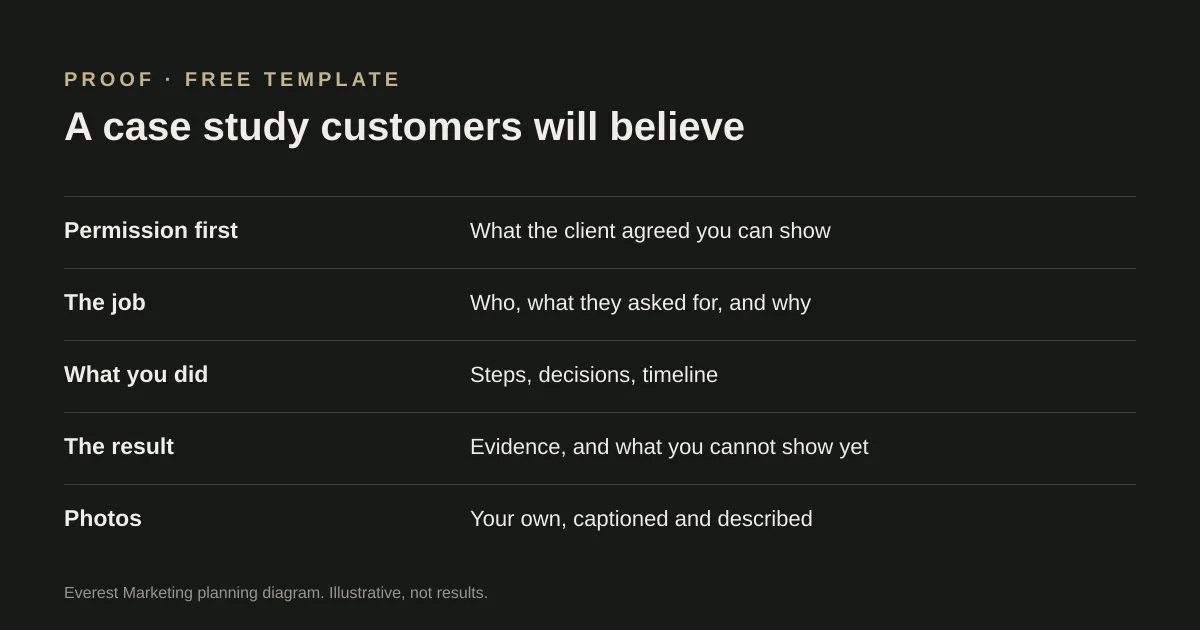
A good case study does a job your service page cannot: it shows a real customer, a real problem and what you actually did about it. For a service business it is often the most convincing page on the site, provided it is true and specific. The template keeps it to the parts a customer cares about.
Start with permission
Before writing anything, agree with the client, in writing, what you can publish: their name, suburb, photos of their home or premises, figures, and any quote from them. Some clients are happy to be named; others prefer “a café in the inner west”. Both can work. What does not work is publishing first and asking later.
What to write in each section
| Section | What to include | Avoid |
|---|---|---|
| The client and the job | Type of customer, area, what they asked for in their words | Naming details they have not agreed to |
| The problem | What was not working and why it mattered to them | Exaggerating how bad things were |
| What you did | Steps, decisions and why, timeline | A list of services with no explanation |
| The result | Photos, measurements, before and after, dated figures with their source | Rounded-up or unsourced numbers |
| What you cannot show yet | Results that are too early or not measurable | Leaving the reader to assume |
| Photos | Your own photos, each with a caption and short alt text | Stock images, or photos without permission |
| Next step | A link to the relevant service and a clear call to action | Ending without one |
Be honest about results
A percentage increase with no dates or source is hard for a reader to trust. If you have a real figure, give the period it covers and where it came from. If the result is too early to measure, say so. Our own LC Events case study, for example, has a section called “What we can show, and what we can’t yet”: it lists what was delivered and verified, and says the site is too new for meaningful search or enquiry results.
Testimonials need the same care. Use the client’s exact words, with their permission. Do not write a quote for them.
Photos and captions
A few good photos with captions tell a reader more than a long gallery without them. Caption each one with what it shows and roughly where. Give each a short alt text that describes the photo; our guide to image SEO for service businesses explains how.
Where to put it
- Give each case study its own page on your website, so you can link to it from the relevant service page.
- Link the case study back to that service, so a reader who is convinced can take the next step.
- Keep it up to date. If you promised to add results later, add them.
For a very different format, see our WakaWax case study, built around the product itself.
Sources
- Creating helpful, reliable, people-first contentGoogle Search Central, accessed 25 October 2026